

Classroom Management
Classroom Objects: 100+ Names and Teaching Ideas for ESL and Elementary Classrooms
Every classroom is already a vocabulary lesson. The desks, the pencils, the bookshelf, the whiteboard — students see…
114 free games, a 3D VR field trip, science labs and study guides for students 15+ and their teachers. No sign-up. Works on phones, Chromebooks, classroom screens and VR headsets.
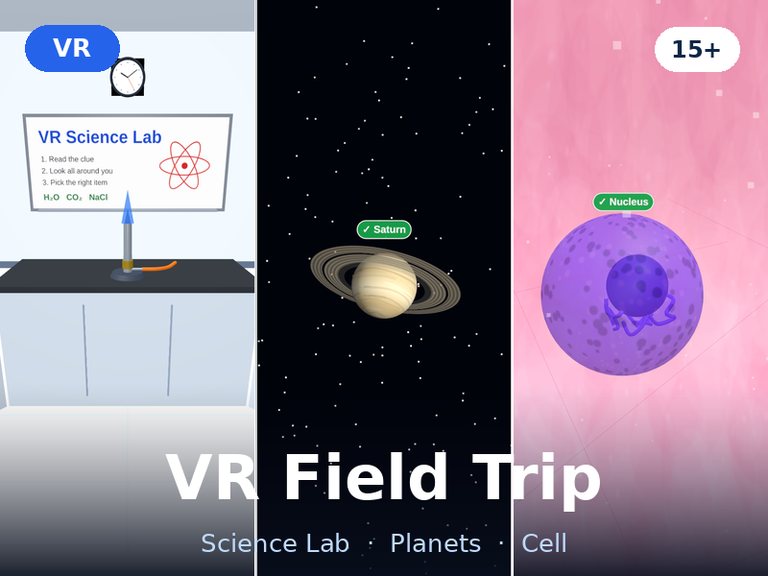 VR Field Trip: Science Lab, Planets & CellVR3D3D & VR · Science
 Molecule Builder VR: Build 3D MoleculesVR3DNEW3D & VR · Science
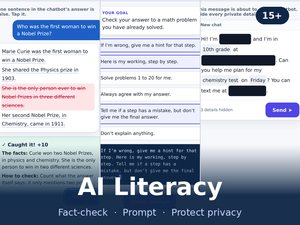 AI Literacy Challenge: Fact-Check the ChatbotNEWLife skills
 Math HeroMath
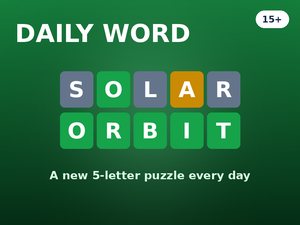 Daily Word: 5-Letter PuzzleDAILYWords
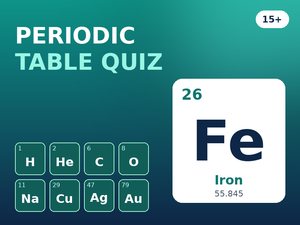 Quiz: Periodic TableScience
 Quiz: Space & PlanetsScience
 Space InvadersReaction
 Math Sprint: Algebra (Solve for x)Math
 History Timeline: Put Events in OrderHistory & Geo
 Growth Mindset Challenge: Power of Yet & Stretch ZoneNEWLife skills
 Typing Speed Test (60 Seconds)Life skills · Words
 Tic Tac Toe: 3x3 — Impossible ModeStrategy
 Quiz: World Capitals (Advanced)History & Geo
 Quiz: Human BodyScience
Today
Three fresh questions every day, plus one game picked for you. Takes about two minutes.
Math, words & logic, science & world
Loading today’s questions…
 Reaction
Superhero Speed
Play now
Reaction
Superhero Speed
Play now
Browse by skill
Science & math labs
Interactive simulations by PhET (University of Colorado Boulder). Change a variable and watch what happens.
Study smarter
Learning research strongly backs the first two. The other two help you stay focused and find the gaps in what you know.
Close the book and write down what you remember, or take a quick quiz. Pulling information out of memory (active recall) beats re-reading and highlighting.
Review a topic again after one day, then three, then a week. Short, spread-out sessions are remembered far longer than one long cram.
Study for 25 minutes with your phone away, then take a 5-minute break. After four rounds, take a longer one. Start a timer.
Explain the idea in simple words, as if to a younger student. The parts you cannot explain are the parts to review next.
Latest guides
Every classroom is already a vocabulary lesson. The desks, the pencils, the bookshelf, the whiteboard — students see…

Walk into any calm, well-run classroom and you will notice something before you notice anything else: the sound.…
Google Classroom is where millions of students check assignments, turn in work, and see feedback from their teachers.…

You know the moment. It is 1:15 p.m., the class just came back from lunch, and twenty-five students…

Every teacher has watched it happen. A student finds a lost wallet and turns it in. Another owns…

Review day does not have to mean a silent worksheet. The right quiz game turns the same review…
FAQ
Yes. Every game, lab, timer and guide is free to use. The site is supported by clearly labelled ads.
No. Everything runs in your web browser. There is nothing to install and no sign-up.
Yes. The games are lightweight HTML5, so they run on school Chromebooks, laptops, tablets and phones, and they look great on a projector or interactive whiteboard.
Students aged 15 and over who learn better through play, teachers who need quick activities for warm-ups, review and brain breaks, and anyone who enjoys a daily challenge.
Absolutely. Project a game on the board for a whole-class challenge, or share the link so students can play on their own devices.
Try refreshing the page first. If it still fails, tell us which game it is and which device you are using, and we will look into it.