Looking for a quick brain break, a fun review activity, or an engaging way to start your lesson? Our collection of 101 free classroom games has you covered — no downloads, no sign-up, and every game runs right in the browser on any device.
From memory matchers to math sprints, each game is designed to be classroom-friendly: simple rules, short rounds, and real learning value underneath the fun. Here are our favorites by category.
In this guide15 sections
- 🧠 Memory Games (15 games)
- ❓ Quiz Games (17 games)
- 🔢 Math Games (11 games)
- 🔀 Word Games (20 games)
- ⚡ Reaction Games (15 games)
- ⭕ Strategy Games (10 games)
- 🧩 Logic Games (13 games)
- How to Use These Games in Your Classroom
- How to Run a Free Classroom Game in 5 Steps
- Which Game Type Fits Your Lesson?
- Common Mistakes With Classroom Games
- Adapting the Games for Older Students
- Frequently Asked Questions
- Play All 101 Games Free
- Related guides
🧠 Memory Games (15 games)
Sharpen focus and recall with classic matching gameplay. Memory Match: Farm Animals pairs cute barnyard friends, while Memory Match: Outer Space sends students on a planetary pairing mission. Great as a 5-minute warm-up or a calm-down activity.

❓ Quiz Games (17 games)
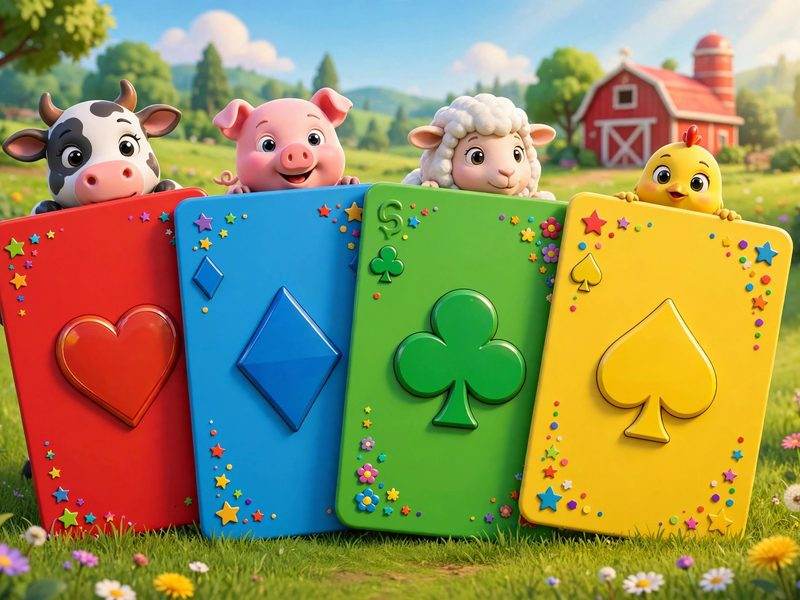
Turn review sessions into game shows. With 17 topics — from Addition Basics to Telling Time and Science Mix — there’s a quiz for nearly every subject. Each quiz runs 10 questions with a timer, instant feedback, and a final score students love to beat.

🔢 Math Games (11 games)
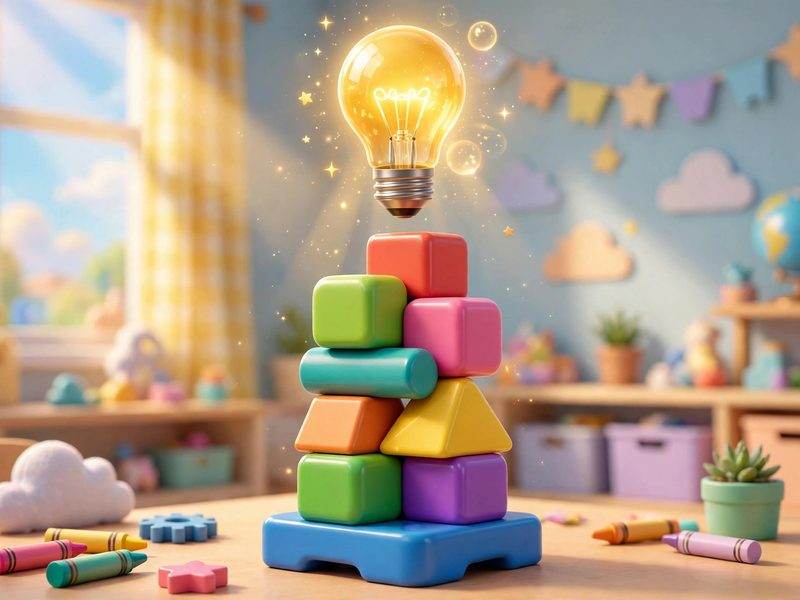
Make numbers exciting. Math Sprint challenges students to solve as many problems as they can against the clock, and our newest star — Math Hero — lets players pick their mission (addition, subtraction, multiplication, or division) and difficulty level, then earn stars like a true number hero.


🔀 Word Games (20 games)
Build vocabulary without the groans. Word Scramble jumbles letters across 12 themes (animals, food, space, sports…), and Hangman covers 8 word lists with a friendly no-fail design. Perfect for literacy centers and ESL classrooms.


⚡ Reaction Games (15 games)
Energy running high? Channel it. Reaction Rocket tests reflexes against a launch countdown, Whack-a-Mole style games (Farm Frenzy, Pirate Pops, Jungle Jam) get the whole class laughing, and Goalkeeper puts students in the penalty box — in a good way.


⭕ Strategy Games (10 games)
Slow down and think. Tic Tac Toe (3×3 and 4×4, with an unbeatable AI mode), Rock Paper Scissors variants including Lizard-Spock, and more — ideal for teaching planning, probability, and good sportsmanship.

🧩 Logic Games (13 games)
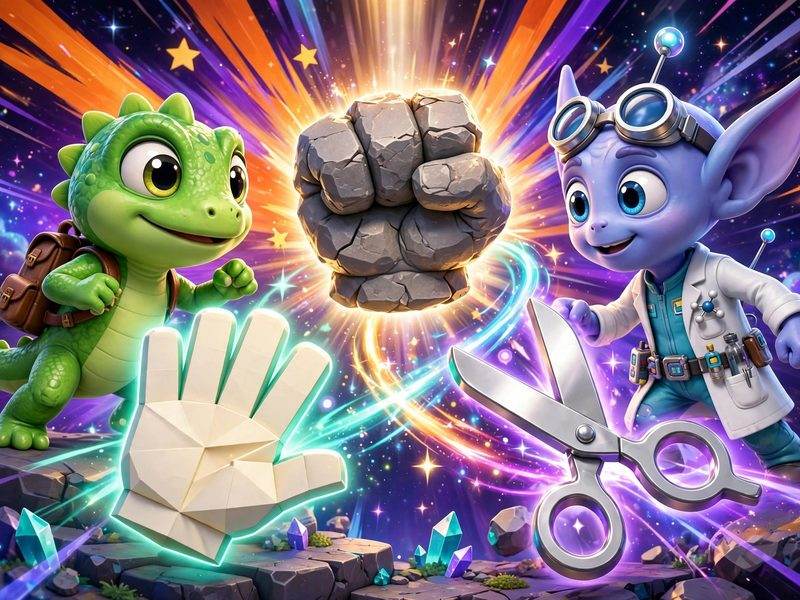
Stretch those reasoning muscles. Guess the Number (from 1–10 up to 1–1000), Number Patterns (arithmetic, geometric, Fibonacci), and sequence puzzles that work beautifully as extension activities for fast finishers.


How to Use These Games in Your Classroom
- Bell ringers: launch a 3-minute game as students settle in.
- Brain breaks: one round of a reaction game resets focus between lessons.
- Review days: run a quiz topic that matches your unit — instant formative assessment.
- Early finishers: bookmark the page and let students choose their own challenge.
- Sub plans: the whole collection needs zero prep — just share the link.
How to Run a Free Classroom Game in 5 Steps
A browser game only helps learning when it has a clear purpose and a clean ending. This routine keeps a round of free classroom games under ten minutes and easy to manage, whether you project one game for the whole class or students play on their own devices.
- Name the goal before you open the game. Tell students why they are playing: “This quiz checks whether you can convert fractions to decimals” or “This reaction game is a two-minute reset before we write.”
- Choose the format. Projected whole-class play works best for quiz and word games; individual devices suit memory and logic games, where each student needs their own pace.
- Set a visible time limit. Put a classroom timer on the board so the round ends on schedule instead of when students get bored.
- Collect one piece of evidence. Ask students to write their score, the hardest question, or one word they had to guess. That turns play into quick formative data.
- Close with a one-sentence debrief. “What strategy helped you most?” connects the game back to the lesson and signals that game time is over.
Which Game Type Fits Your Lesson?
| Lesson moment | Best game type | Time | Why it works |
|---|---|---|---|
| Start of class | Logic or number patterns | 3–5 min | Quiet, independent thinking while you take attendance |
| Mid-lesson slump | Reaction games | 2–3 min | Short burst of energy, then back to work |
| Vocabulary unit | Word scramble or hangman | 5–8 min | Repeated exposure to spelling and word parts |
| Before a quiz | Quiz games | 8–10 min | Retrieval practice with instant feedback |
| Last five minutes | Strategy games in pairs | 5 min | Social, calm and easy to stop at the bell |
Common Mistakes With Classroom Games
- Playing without a reason. If students cannot say what the game practiced, it was entertainment, not review.
- Letting the fastest students dominate. In whole-class quizzes, have everyone write an answer on a mini whiteboard before anyone calls out.
- No exit plan. Announce the last round before it starts so the switch back to work is calm.
- Using games as the only review. Games are a warm-up for deeper review, not a replacement. Follow up with retrieval practice activities or written questions.
Adapting the Games for Older Students
Many of the games are simple on purpose, which makes them easy to raise for middle and high school. Turn Guess the Number into a lesson on binary search by asking students to find the fewest guesses needed for 1–1000. Use Rock Paper Scissors Lizard Spock to calculate probabilities and expected outcomes. Ask students to predict the next three terms of a Fibonacci sequence before the game reveals them, or have them design their own word scramble list from this week’s vocabulary. For teenagers, the reflection matters more than the game: one strategy question at the end makes the activity feel purposeful rather than childish.
Frequently Asked Questions
Are these classroom games really free?
Yes. Every game runs in the browser with no downloads, accounts or paid upgrades, so you can share the link with students or project it from the teacher computer.
Do the games work on Chromebooks and tablets?
The games run in a standard web browser, so they work on Chromebooks, laptops, tablets and interactive whiteboards with an internet connection.
How often should I use classroom games?
Two or three short rounds a week is plenty for most classes. Treat games as quick warm-ups, brain breaks or review starters, and keep most class time for instruction and practice.
Play All 101 Games Free
Every game above — plus dozens more — is ready to play right now at our Classroom Games hub. Want hands-on science too? Check out our free PhET science simulations for physics, chemistry, and math labs.
Have fun, and may the best class win! 🎉
Related guides
- Brain break games for high school
- Math review games and vocabulary games
- Icebreaker games for the first days of a term
- Jeopardy alternatives for test review